
Conversion Tracking: Knowing Which Marketing Actually Brings Customers
Traffic numbers don’t pay the bills. Conversion tracking connects visits, ads and posts to real enquiries and sales, so you know where to invest.
3 min read · Evergreen guideA good dashboard answers business questions at a glance. Here’s how to choose the metrics, structure the view and turn numbers into decisions.
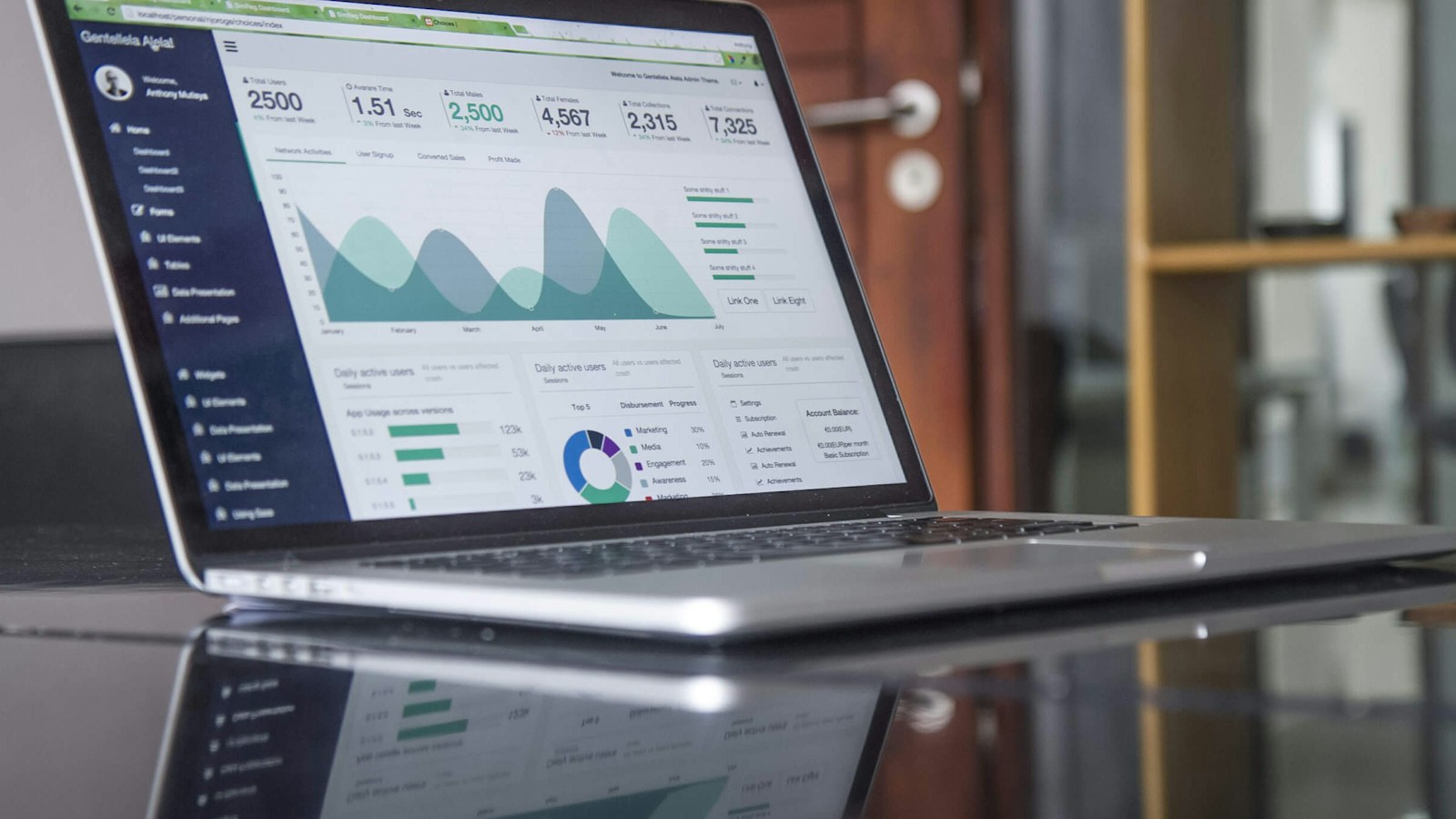
Before choosing charts, write down the questions the dashboard should answer, for example:
For most businesses, the top row covers:
Beneath the headline numbers, add views that explain them:
The most useful dashboards bring together website analytics, ad platforms, email and social results, and, ideally, your CRM or sales data. Connecting marketing to actual sales shows which activities create revenue, not just activity.
Check headline numbers weekly and do a deeper review monthly. End each review with clear decisions, such as move budget, fix a page, test a new idea, and check the effect of those decisions in the next review.
Our Data Insights & Analytics Growth and Premium packages include live dashboards that combine your website, ads and CRM data, with regular insight calls.
Daily updates are plenty for most businesses. Decisions are usually made weekly or monthly, so real-time data is rarely necessary.
Numbers that look impressive but don’t connect to business results, such as raw impressions, follower counts or page views on their own. Track them as supporting context, not as goals.
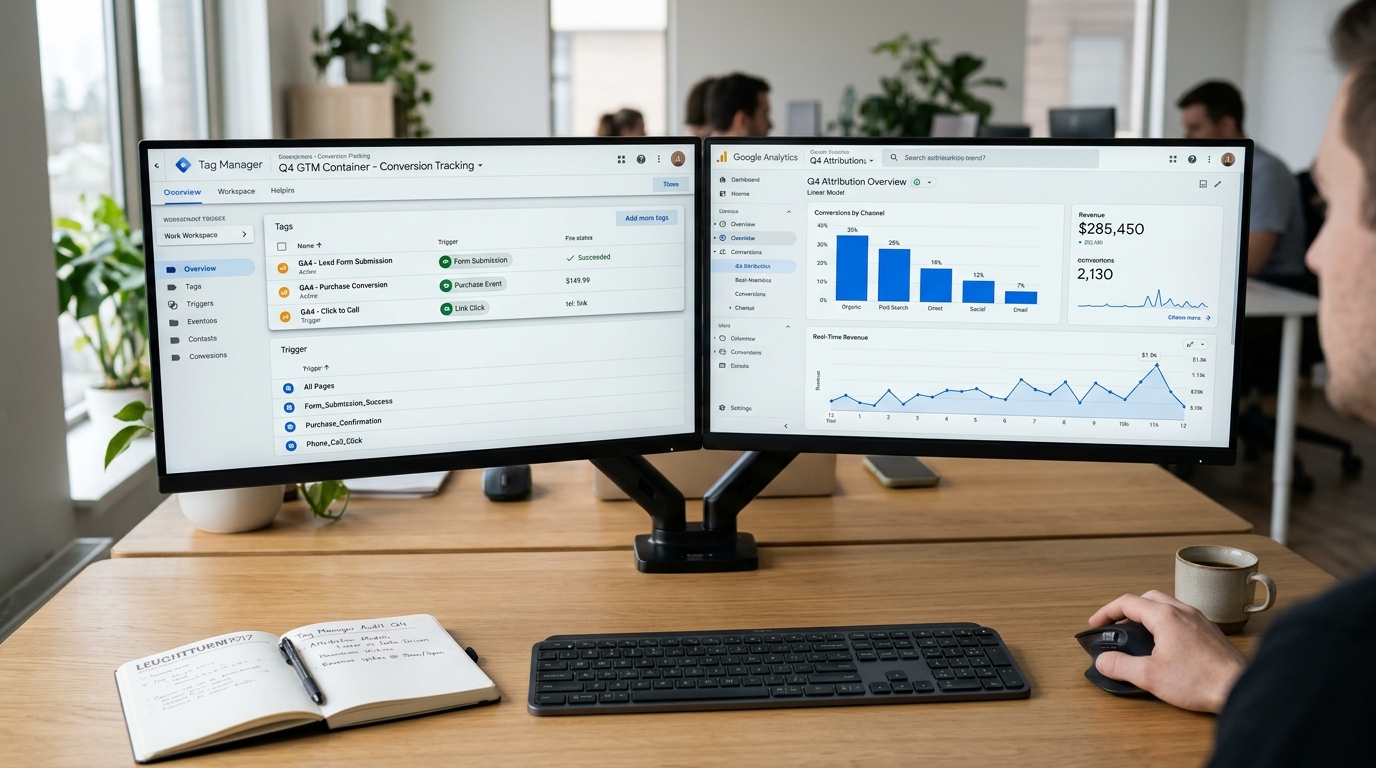
Traffic numbers don’t pay the bills. Conversion tracking connects visits, ads and posts to real enquiries and sales, so you know where to invest.
3 min read · Evergreen guide
Hosting affects speed, uptime, security and cost. Here’s how the main options differ and how to choose the right one for your stage of growth.
3 min read · Evergreen guide
Hardware fails, mistakes happen and attacks occur. A sound backup strategy turns a potential disaster into a minor inconvenience.
3 min read · Evergreen guideTalk to the Vintorex team about data insights & analytics. Free consultation, reply within 2 working hours.