From Idea to App Store: The Stages of Building a Mobile App
Understanding each stage of app development, from specification to launch, helps you budget, plan and make decisions at the right time.
VXVintorex Digital team3 min read · Evergreen guide
Key takeaways
A written specification and clickable prototype prevent the most expensive misunderstandings.
Build in short cycles and test on real phones throughout, not only at the end.
Plan for store review, privacy requirements and the admin tools your team needs.
Launch is the start: monitoring, feedback and updates keep an app useful.
1. Discovery and specification
Define who the app is for, the problems it solves and the features of the first version. Write user stories in plain language, for example “As a customer, I can reorder my last purchase in two taps.” Decide which features are essential now and which can wait. This document becomes the reference for cost, timeline and testing.
2. User experience and prototype
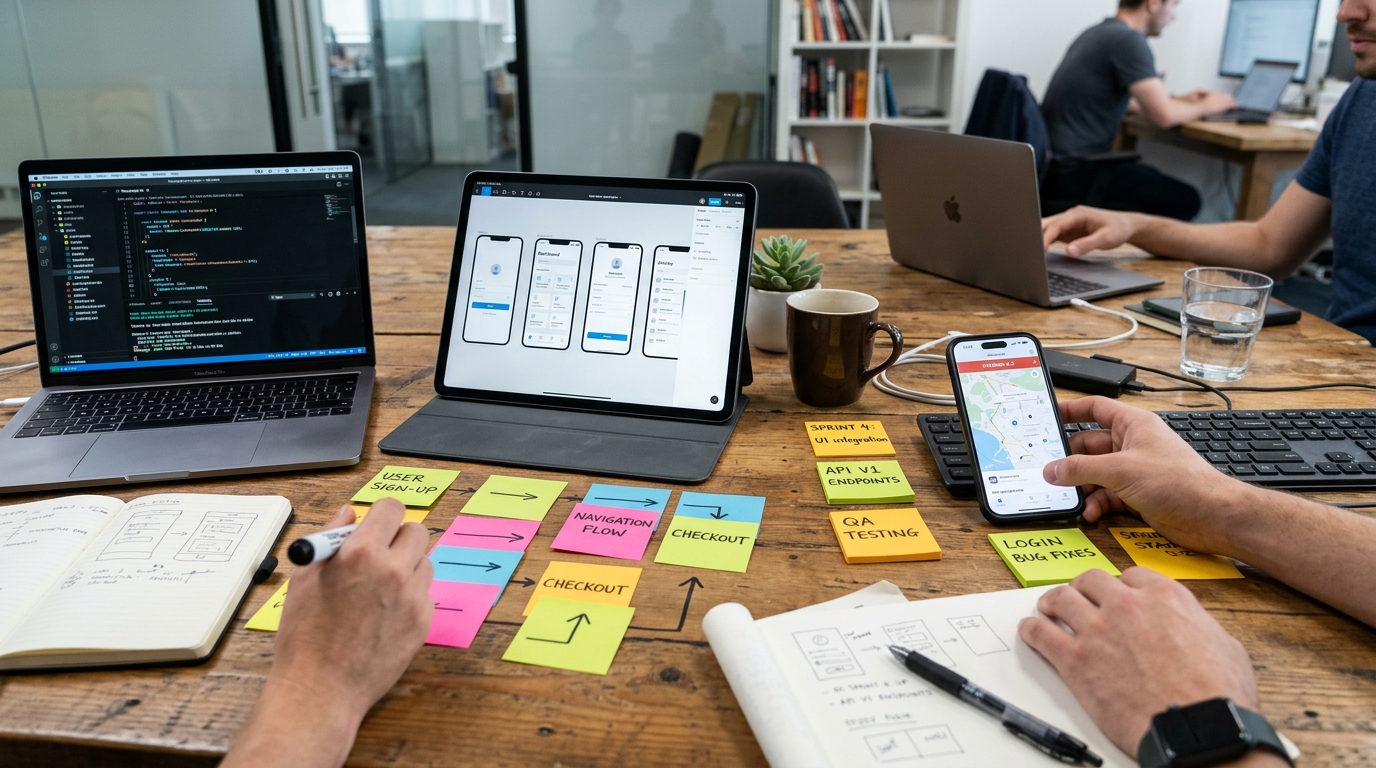
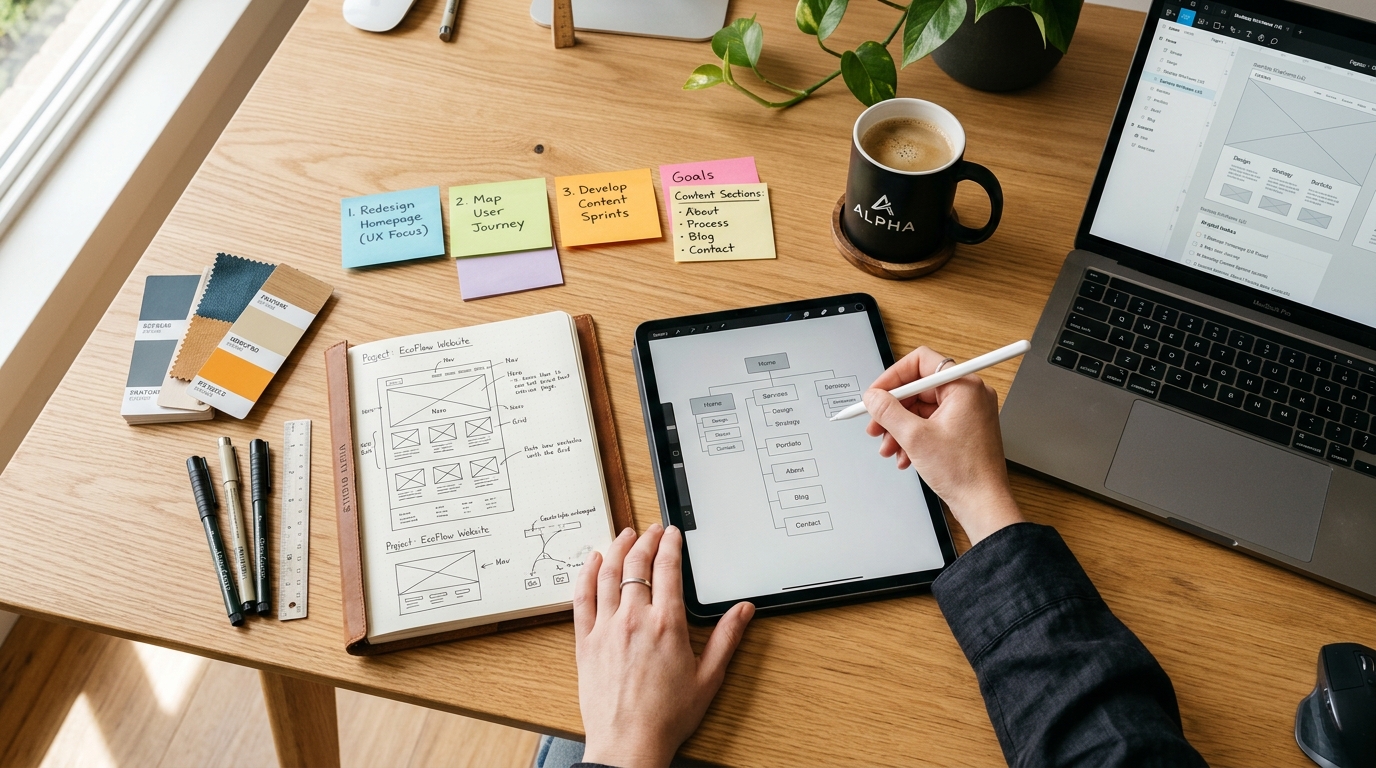
Designers map the screens and the flow between them, then create a clickable prototype you can try on your phone. Changing a prototype is quick and cheap. Changing a built app is not. Test the prototype with a few real users and fix confusing steps before development starts.
3. Architecture and backend
Most business apps need more than the app itself:
A backend that stores data, handles logins and processes orders or bookings.
An admin panel where your team manages content, users and transactions.
Integrations with payment gateways, maps, messaging or your existing systems.
Decisions here affect performance, security and running costs, so they deserve care.
4. Development in short cycles
Work is divided into short cycles. At the end of each cycle you install a test build and give feedback. This keeps the project aligned with your expectations and makes progress visible.
5. Testing
Functional testing: every feature works as specified.
Device testing: different screen sizes, operating system versions and slow networks.
Edge cases: no internet, failed payments, interrupted sign-ups.
User acceptance testing: your team uses the app as customers would and signs off.
6. Store submission and launch
Prepare store listings with a name, description, screenshots and privacy details. Both major app stores review apps before publishing and may ask for changes, so allow time for this. Plan the launch: tell existing customers, add download links to your website, and train your team on the admin panel.
7. After launch
Monitor crashes and performance.
Read reviews and support requests for improvement ideas.
Release regular updates for bug fixes and operating system changes.
Track the metrics that matter: active users, repeat usage, orders or bookings.
Ownership and handover
Make sure the app is published under your own developer accounts, and that you receive the source code, design files and access to the backend. This protects your investment if you change partners in the future.